12 AI Automation Examples and How to Measure Business ROI
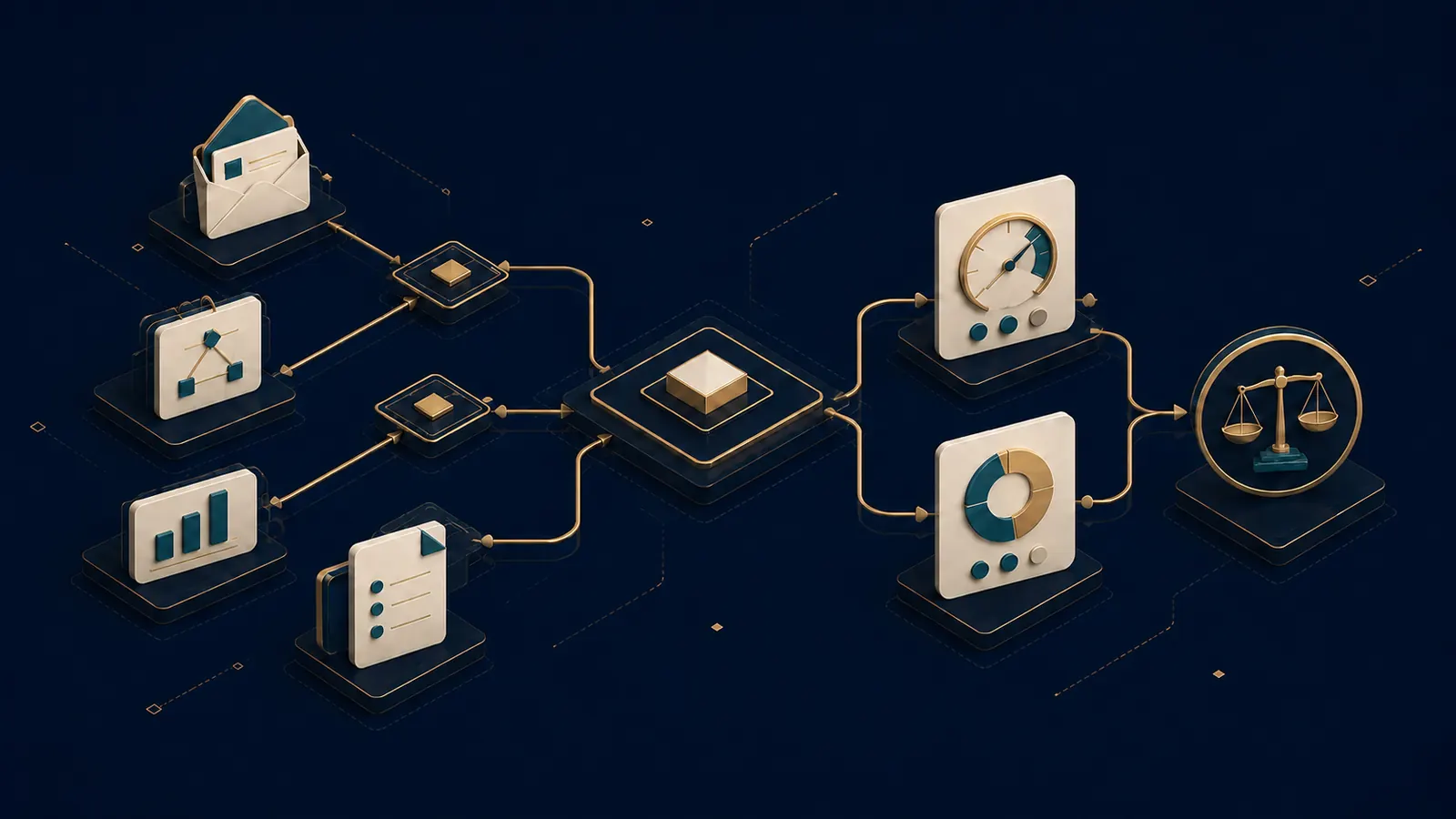
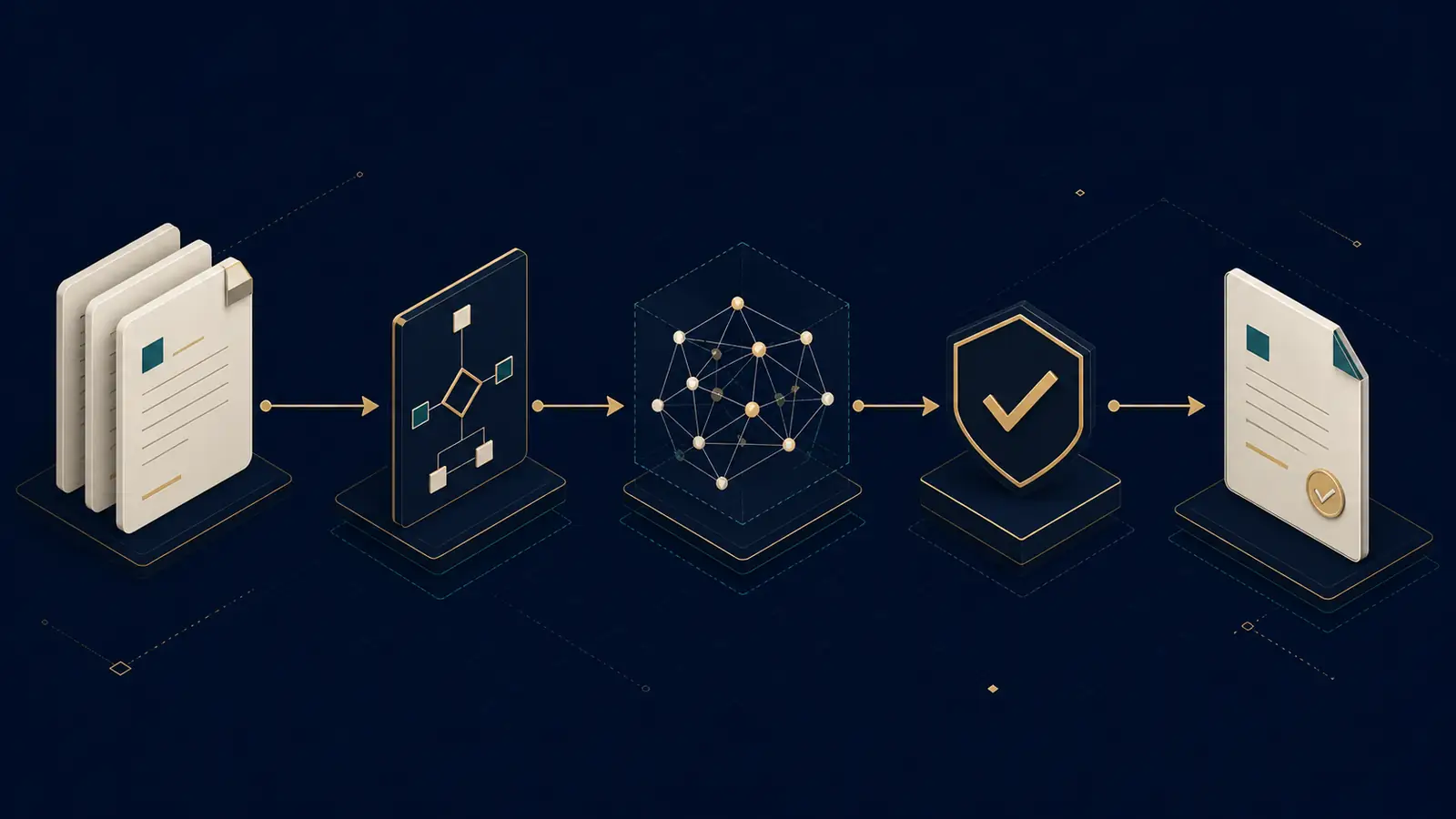
The best AI automation examples teach one repeatable pattern: use AI for a bounded task such as classification, drafting, extraction, summarization, or exception grouping; keep rules for validation; and preserve human control over consequential action. A useful first workflow also has an observable baseline, a visible failure path, and metrics that include review effort, errors, and operating cost.
The 12 patterns below are illustrative candidate pilots, not JDTeachAI client results or promises. They are ordered as a learning path for a US team: familiar inbox and meeting tasks first, then CRM, operations, identity, and document handling. Each pattern exposes the same six design questions so you can compare them before choosing a tool. For a deeper readiness test, read how to choose an AI workflow automation process.
How to choose a first example from this guide
Do not begin with the example that looks most impressive. Begin with the one your team can observe and reverse.
| Learning question | A promising first-pilot answer | A reason to wait |
|---|---|---|
| Can we see the trigger and count the volume? | A ticket, email, record change, upload, or schedule | Work begins informally and is not logged |
| Can we check a correct output? | A queue, draft, extracted field, or flagged exception | “Better work” has no agreed definition |
| Can a person review it without becoming the bottleneck? | Review is brief, assigned, and risk-based | Every case requires deep investigation |
| Can failure return to today's process? | A visible manual queue remains available | Failure can drop, overwrite, pay, or send silently |
| Can the team operate the connection? | A named owner controls credentials and alerts | The builder will be the only operator |
Small businesses often learn fastest from drafts, routing, and review queues because the first version can stop before an irreversible write. The sections progress from those low-commitment patterns toward workflows that need stronger identity, financial, or legal controls.
Email and support automation examples
1. Classify and label an inbound shared inbox
Illustrative candidate pilot.
- Trigger: A message reaches a shared support, operations, or sales inbox.
- Inputs: Sender, subject, message body, permitted attachment metadata, and the current label list.
- AI assistance: Propose a topic, urgency band, and destination queue. Google documents that Apps Script can search Gmail and manage messages, threads, and labels, which can implement the surrounding workflow. Gmail Apps Script reference.
- Human control: A queue owner reviews sensitive, ambiguous, or low-confidence messages before assignment.
- Failure and fallback: If classification is missing, the model times out, or Gmail is unavailable, keep the message in an unclassified queue and alert the owner. Never remove it from the source inbox silently.
- Measurement candidate: Median time to first assignment, percentage corrected by reviewers, and age of the unclassified queue.
2. Prepare a customer reply without sending it
Illustrative candidate pilot.
- Trigger: An authorized employee selects a message or a ticket reaches a defined status.
- Inputs: The current conversation, approved policy excerpts, customer record fields, and the intended response type.
- AI assistance: Draft a response and cite the internal material used. Gmail Apps Script provides a
createDraftmethod, so the workflow can stop before sending. Gmail draft documentation. - Human control: The named agent checks the recipient, claims, tone, attachments, and policy accuracy, then chooses whether to send.
- Failure and fallback: If source material is absent or conflicting, create no draft and return a research-needed status. If the provider is unavailable, leave the ticket in the existing manual path.
- Measurement candidate: Draft acceptance rate, editing time, factual correction rate, and response time. A draft accepted unchanged is not automatically proof that it was correct.
3. Route support tickets by intent, language, and sentiment
Illustrative candidate pilot.
- Trigger: A new support ticket enters the help desk.
- Inputs: Ticket text, channel, account tier, language, and existing routing rules.
- AI assistance: Predict intent, language, sentiment, and relevant entities, then propose the queue. Zendesk describes these capabilities in its intelligent triage documentation.
- Human control: Support operations owns the routing taxonomy and reviews high-impact categories, escalations, and sampled routine tickets.
- Failure and fallback: Some tickets may receive no prediction because of timing, settings, how the ticket was created, or model fit. Zendesk documents these no-prediction conditions. Route them to a visible general queue.
- Measurement candidate: Correct-route rate after review, transfer rate, queue age, and unclassified-ticket share.
Meeting and knowledge automation examples
4. Turn a meeting transcript into a reviewed recap
Illustrative candidate pilot.
- Trigger: A permitted meeting ends and its transcript becomes available.
- Inputs: Transcript, attendance, shared material, agenda, and any existing notes.
- AI assistance: Draft key points, decisions, open questions, owners, and follow-up tasks. Microsoft Teams exposes recaps and AI-generated follow-up tasks from meeting material. Teams recap documentation.
- Human control: The meeting owner confirms what was actually decided, corrects owners and dates, and checks who may receive the recap.
- Failure and fallback: Microsoft warns that generated content may be inaccurate, incomplete, or inappropriate. If transcription quality is poor or access is restricted, publish no summary and retain the manual notes process.
- Measurement candidate: Minutes spent preparing the approved recap, correction count, unresolved-owner count, and time until approved distribution.
5. Convert approved learnings into a knowledge-base draft
Illustrative candidate pilot.
- Trigger: An approved meeting recap, solved support pattern, or changed procedure is marked ready for documentation.
- Inputs: Approved source records, current knowledge pages, taxonomy, audience, and content owner.
- AI assistance: Propose a page outline, consolidate repeated guidance, and flag possible conflicts with existing pages.
- Human control: A subject-matter editor verifies every operational claim and approves publication. SharePoint can require a new or updated page to be approved before it goes live. SharePoint page approval documentation.
- Failure and fallback: If sources disagree, contain restricted data, or lack an owner, hold the draft in review. Do not ingest and publish raw transcripts automatically.
- Measurement candidate: Time from approved source to published page, editor correction rate, stale-page count, and successful search rate for the documented question.
Sales and CRM automation examples
6. Check a lead for duplicates and prepare a CRM update
Illustrative candidate pilot.
- Trigger: A form submission or imported lead reaches the CRM.
- Inputs: Submitted fields, allowed enrichment data, existing contacts/accounts, and duplicate rules.
- AI assistance: Normalize free text, suggest a use-case category, and rank possible record matches. Deterministic logic performs required-field and exact-match checks.
- Human control: Sales operations reviews uncertain matches before merge or reassignment. Salesforce documents record-triggered flows and a screen flow that checks duplicates while updating contact information. Salesforce automation trail.
- Failure and fallback: When enrichment is unavailable or match candidates conflict, create a review task without inventing missing values. Never overwrite a verified field with a model guess.
- Measurement candidate: Confirmed duplicate rate, false-merge rate, manual review time, and percentage of required fields backed by a source.
7. Draft a follow-up from a CRM event
Illustrative candidate pilot.
- Trigger: A meeting is completed, an opportunity becomes inactive, or an approved stage changes.
- Inputs: CRM event, contact preferences, verified notes, approved offer language, and prior messages.
- AI assistance: Draft a follow-up and a proposed next-step task using only those sources.
- Human control: The account owner verifies the recipient, commercial claim, next step, and timing before sending. The CRM remains the system of record.
- Failure and fallback: If consent, contact status, source notes, or owner is missing, create a data-quality task instead of a draft. A provider outage leaves the existing CRM task untouched.
- Measurement candidate: Time from event to reviewed draft, percentage of drafts sent, factual correction rate, and overdue follow-up count.
8. Summarize and route a quote or discount approval
Illustrative candidate pilot.
- Trigger: A quote crosses a defined discount, margin, term, or risk threshold.
- Inputs: Quote lines, account record, discount policy, exception reason, and approval matrix.
- AI assistance: Summarize the request, identify missing evidence, and prepare the approval packet. It does not approve the commercial exception.
- Human control: An authorized manager accepts or rejects the request and records a reason. Power Automate documents approval workflows for sales quotations and other processes. Power Automate approval documentation.
- Failure and fallback: If the approval matrix is missing, totals do not reconcile, or the approval service is down, lock the quote at its prior status and escalate manually.
- Measurement candidate: Approval-cycle time, requests returned for missing data, policy-exception rate, and unauthorized-release count.
Operations and reporting automation examples
9. Produce a scheduled KPI digest with source timestamps
Illustrative candidate pilot.
- Trigger: A daily, weekly, or monthly reporting schedule.
- Inputs: Approved spreadsheet or system exports, KPI definitions, reporting period, and prior-period values.
- AI assistance: Summarize material changes and propose questions for the owner. Deterministic code calculates the metrics. Apps Script can read and write Sheets and run from time-driven triggers. Google Sheets Apps Script guide.
- Human control: The metric owner reconciles totals, checks late feeds, and approves distribution.
- Failure and fallback: If a source is stale, incomplete, or does not reconcile, send a data-quality alert instead of a polished narrative. Preserve the prior approved report.
- Measurement candidate: Report-preparation time, late-source count, reconciliation failures, and narrative corrections.
10. Detect operational exceptions and build a review queue
Illustrative candidate pilot.
- Trigger: A scheduled run or status change in an order, inventory, billing, or delivery system.
- Inputs: Current and expected states, timestamps, reconciliation rules, and ownership map.
- AI assistance: Group exception descriptions and propose a reason category. Deterministic rules decide whether a record is an exception.
- Human control: Operations reviews proposed categories and authorizes any refund, cancellation, write-off, or destructive change.
- Failure and fallback: Failed triggers, timeouts, or missing sources create an alert and leave records unchanged. Google notes that installable Apps Script triggers run under the account of their creator, so production ownership and credential continuity matter. Installable trigger guide.
- Measurement candidate: Exception age, percentage correctly categorized, failed-run detection time, and manual touches per resolved exception.
11. Coordinate employee joiner, mover, and leaver tasks
Illustrative candidate pilot.
- Trigger: An approved HR start date, role change, or departure event.
- Inputs: Verified identity, effective date, role, manager, approved access profile, and task owners.
- AI assistance: Summarize the task packet, flag inconsistent inputs, and draft owner communications. Deterministic identity workflows assign or remove approved access packages.
- Human control: HR and IT approve high-risk access, terminations, and destructive changes. Microsoft Entra describes automated lifecycle tasks across joiner, mover, and leaver phases. Entra lifecycle workflow overview.
- Failure and fallback: If identity, date, or approval conflicts, pause the workflow. Microsoft says newly created lifecycle workflows are disabled by default to allow testing on smaller audiences. Lifecycle workflow creation guide.
- Measurement candidate: On-time task completion, access exceptions, failed tasks, manual interventions, and time to revoke access after an approved event.
Document-handling automation example
12. Classify a document, extract fields, and route it for approval
Illustrative candidate pilot.
- Trigger: An invoice, receipt, purchase order, application, or contract enters an approved intake channel.
- Inputs: File, source channel, allowed document classes, expected fields, supplier or customer master data, and approval rules.
- AI assistance: Classify the document, apply OCR, and extract text, tables, structure, or key-value fields. Google documents classification, splitting, OCR, and extraction in Document AI; Microsoft describes comparable document-analysis capabilities in Azure Document Intelligence.
- Human control: A reviewer validates identity, totals, tax, dates, and cross-field consistency before payment, posting, acceptance, or legal action.
- Failure and fallback: Unsupported files, low-quality scans, conflicting totals, missing master data, or service outages go to manual intake. Retain the original file and extracted-field provenance.
- Measurement candidate: Straight-through extraction share before approval, field correction rate, review time, duplicate-document rate, and exceptions by cause.
Decide whether the pilot needs no-code configuration or a custom build
The same example can be delivered in different ways. Choose the lightest approach that still gives the team ownership, testing, and controls.
| Delivery path | Usually fits when | Validate before choosing |
|---|---|---|
| Existing product feature | The system of record already offers the classifier, recap, approval, or extraction function | Licensing, permissions, exportability, documented failure behavior, and admin ownership |
| No-code or low-code workflow | Connectors exist, logic is bounded, and an operations owner can maintain the flow | Credential scope, error handling, test environment, run history, and change control |
| Small custom service | Logic, evaluation, UI, or integration behavior needs source control and automated tests | Deployment owner, monitoring, security review, support budget, and handoff |
| No automation yet | The process, data, or policy is still changing | Document the manual path and collect a baseline first |
A platform is not automatically cheaper once review, exceptions, licensing, and operating ownership are included. A custom service is not automatically better because it is flexible. Compare both against the same trigger, accepted output, fallback, security boundary, and monthly cost. The no-code AI automation guide offers a more detailed tool comparison.
Build a transparent monthly automation ROI worksheet
An automation ROI estimate should begin with an observed business-as-usual baseline, not a vendor benchmark. The UK Government's Digital and Data Benefits Framework recommends identifying affected roles and tasks, estimating current time, avoiding double counting, including operating costs, and testing uncertain assumptions. The formulas below adapt that method for a small business pilot.
Use the free AI automation ROI calculator to apply this worksheet in your browser. It keeps released capacity, recurring costs, payback and first-year modeled ROI visible as separate outputs.
Use one currency and one monthly period. Replace every assumption with observed pilot data when it becomes available.
| Input | Meaning | Evidence to collect |
|---|---|---|
V | Eligible cases per month | System count for a representative period |
a | Share of cases using the new workflow | Pilot logs, not the rollout target |
t0 | Baseline minutes per case | Timestamp sample from the current process |
tr | Required review minutes per adopted case | Reviewer timestamps |
e and te | Exception share and minutes per exception | Queue and handling logs |
C | Loaded labor cost per hour | Finance-approved wages plus employer costs |
F, u, p | Fixed tool cost, units per case, price per unit | Current invoice or dated price sheet |
M | Monthly maintenance, monitoring, and training hours | Named owners' operating plan |
I | One-time implementation and change cost | Approved project budget |
E0, E1, R | Comparable errors before/after and remediation cost per error | Audit sample and documented rework cost |
The US Bureau of Labor Statistics defines employer compensation costs as wages and salaries plus employer-paid benefit costs per employee hour. BLS calculation methodology. Use your organization's actual finance data rather than substituting a national average.
Calculate labor, technology, and verified error value separately
- Baseline labor cost:
V × t0 ÷ 60 × C. - Post-workflow labor cost:
V × (1-a) × t0 ÷ 60 × C + V × a × (tr + e × te) ÷ 60 × C + M × C. This retains the unchanged manual work for cases outside adoption and includes review, exceptions, and maintenance. - Released-capacity value: baseline labor cost minus post-workflow labor cost. Report this as capacity, not cash savings, unless payroll, overtime, or contractor spend actually falls.
- Recurring technology cost:
F + V × a × u × p + hosting + storage + integration operating costs. - Verified error benefit:
(E0 - E1) × R, using comparable pre-pilot and post-pilot samples. If errors increase, this number is negative. - Financial net monthly benefit: verified cash savings plus verified error benefit plus other attributable cash benefit, minus recurring technology cost. Do not include released capacity here unless finance explicitly values and tracks its redeployment.
- Period ROI:
(period benefits - period costs) ÷ period costs. - Payback period:
one-time implementation cost ÷ positive net monthly benefit. If monthly benefit is not positive, do not publish a payback number.
Time released and cash saved are not interchangeable. A team may use capacity to reduce queue age, improve quality, or take on more work without reducing payroll. That can be operationally valuable, but counting the same hours once as capacity and again as headcount savings would inflate ROI.
Test low, base, and high scenarios
Build three scenarios for the assumptions that can move the decision: eligible volume, adoption, baseline time, review time, exception rate, unit cost, maintenance, and verified error rate. The Green Book 2026 recommends comparing options with business-as-usual and testing uncertainty. Its optimism-bias guidance favors adjustments grounded in evidence.
- Low case: Lower adoption and time release, more review and exceptions, higher operating cost.
- Base case: The most defensible observed pilot values.
- High case: Better but still evidenced values, not a sales target disguised as data.
- Switching-value question: At what review time, exception rate, unit cost, or adoption level does net benefit reach zero or another option become preferable?
Do not copy an external study's productivity percentage into this worksheet. Research can justify a pilot, but it cannot predict a specific team's process, data, controls, adoption, or result.
Add US privacy and operating boundaries before rollout
For a US deployment, inventory applicable state, sector, contract, and customer requirements with the appropriate privacy or legal owner. The voluntary NIST Privacy Framework can help a team identify and manage privacy risk, but it does not replace those requirements or legal advice.
At minimum, document the workflow purpose, data categories, connected accounts, recipients, retention, vendor access, security owner, and deletion path. Test with the least data and permissions necessary. If a workflow touches health, financial, education, employment, or other regulated data, obtain the required internal review before sending that data to a model or automation provider.
Run a bounded pilot before claiming a result
- Choose one workflow and owner. Define the trigger, eligible population, system of record, permitted data, and actions that remain manual.
- Observe the baseline. Sample actual volumes, timestamps, review steps, exceptions, errors, and remediation work across a representative period.
- Set the human gate. Customer communications, payments, discounts, HR and access changes, legal or contract decisions, and destructive actions need authorized approval.
- Define the fallback. Cover missing classification, low confidence, timeout, outage, failed run, and missing data before launch.
- Pilot narrowly. Use a limited group or share of eligible cases and keep the old process available.
- Log what matters. Record source references, model or rule result, reviewer decision, correction, failure cause, time, and cost.
- Compare like with like. Use comparable task types and periods. Separate operating costs from one-time implementation.
- Decide explicitly. Expand, narrow, redesign, or retire the workflow based on observed evidence.
NIST's AI Risk Management Framework Core supports ongoing monitoring, periodic review, defined human-AI roles, and prioritizing risk by likelihood and impact. That is why the operating owner and fallback belong in the pilot design, not in a post-launch appendix.
Safety checklist for every example
- Keep the original source and an accountable system of record.
- Minimize data access, permissions, retention, and recipients.
- Separate deterministic validation from model interpretation.
- Require authorized approval before consequential or irreversible action.
- Make low-confidence, missing-output, timeout, outage, and failed-run states visible.
- Log overrides and their reasons, then sample apparently successful outputs too.
- Recheck current product capabilities and unit prices before a buying decision.
- Include review, exceptions, monitoring, maintenance, training, and change costs.
- Report released capacity separately from cash savings and never double-count benefits.
- Publish a measured result only with scope, date, volume, period, baseline, included costs, review method, and error method.
Frequently asked questions about AI automation examples
What is a good first AI automation example for a small business?
A shared-inbox classification queue, reviewed meeting recap, or document-field extraction queue can be a useful first candidate when it is frequent, bounded, and reversible. Choose the one with accessible data, a clear owner, a visible fallback, and a baseline you can measure. The best first pilot is not necessarily the most impressive demo.
Which metrics validate a first workflow?
Use one outcome metric and several guardrail metrics. For an inbox, the outcome might be time to assignment, while guardrails include correction rate, unclassified share, failed runs, and review minutes. Measure both the useful result and the work or risk created around it.
Should a small business use no-code automation or a custom build?
Use a product feature or no-code workflow when the connectors and logic are standard and someone on the team can operate it. Consider a small custom service when you need testable custom logic, a specific interface, unusual integrations, or stronger evaluation. Compare total operating ownership, not only setup speed.
How can a small team roll out AI automation safely?
Start with one owner, one workflow, a limited share of cases, and the current manual path still available. Review exceptions frequently, keep permissions narrow, and expand only after the team can explain failures, corrections, review load, and cost. A small rollout should be easier to stop than to scale.
How do you know whether an automation result is real?
Record the baseline and pilot with comparable task types, volumes, periods, and definitions. Include review, exceptions, failed runs, technology, maintenance, and any verified error effects. Report released capacity separately from cash savings. Do not substitute a vendor benchmark for your team's measured result.
If you want to keep exploring, compare the patterns with AI automation consulting or learn the method through AI coaching. When a bounded workflow clearly needs implementation, the custom AI projects page explains the brief-first path without implying automatic project acceptance. To separate scoping, implementation, and operations for an agentic system, use the custom AI agent development cost guide. For a failure-prevention lens, read why corporate AI projects fail.
Inspect a verifiable example
The meeting-notes teaching case includes inputs, a reference and checks, with a worksheet and downloadable prototype. Inspect the method without treating this fictional fixture as a measured business outcome.
Read next